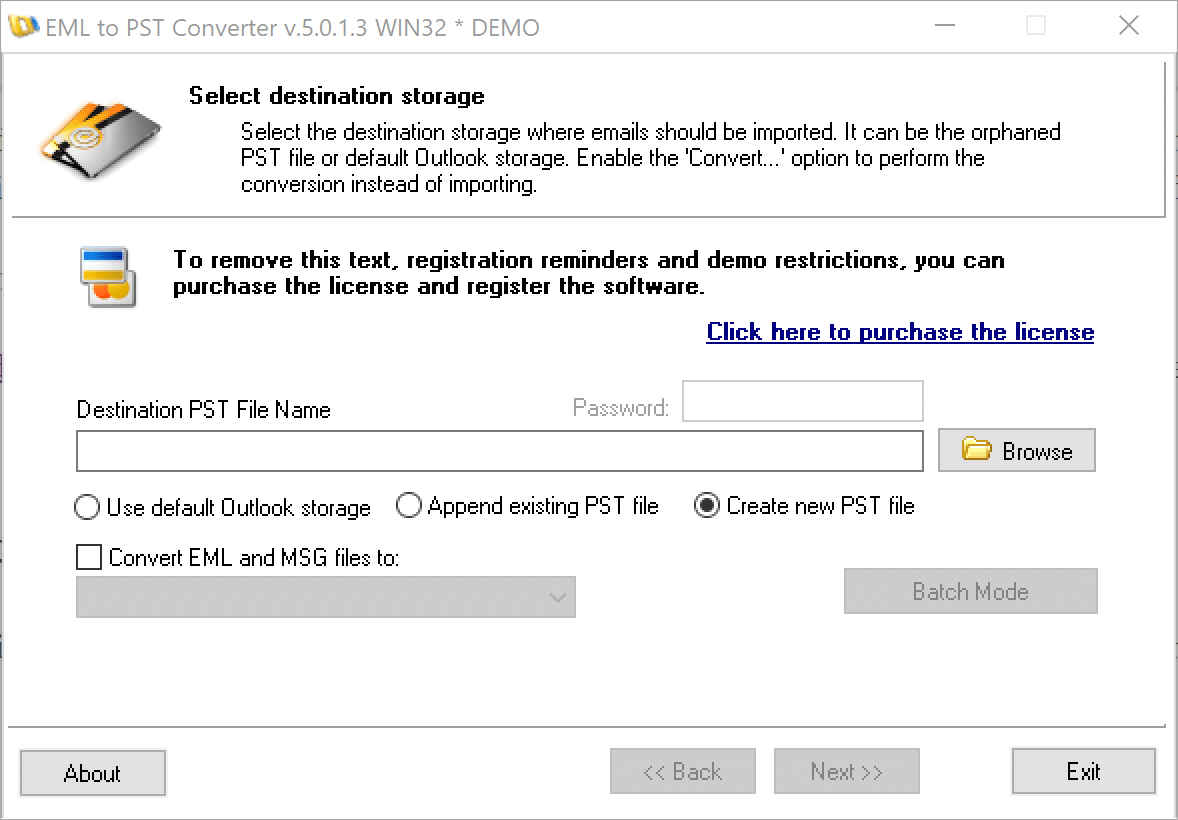
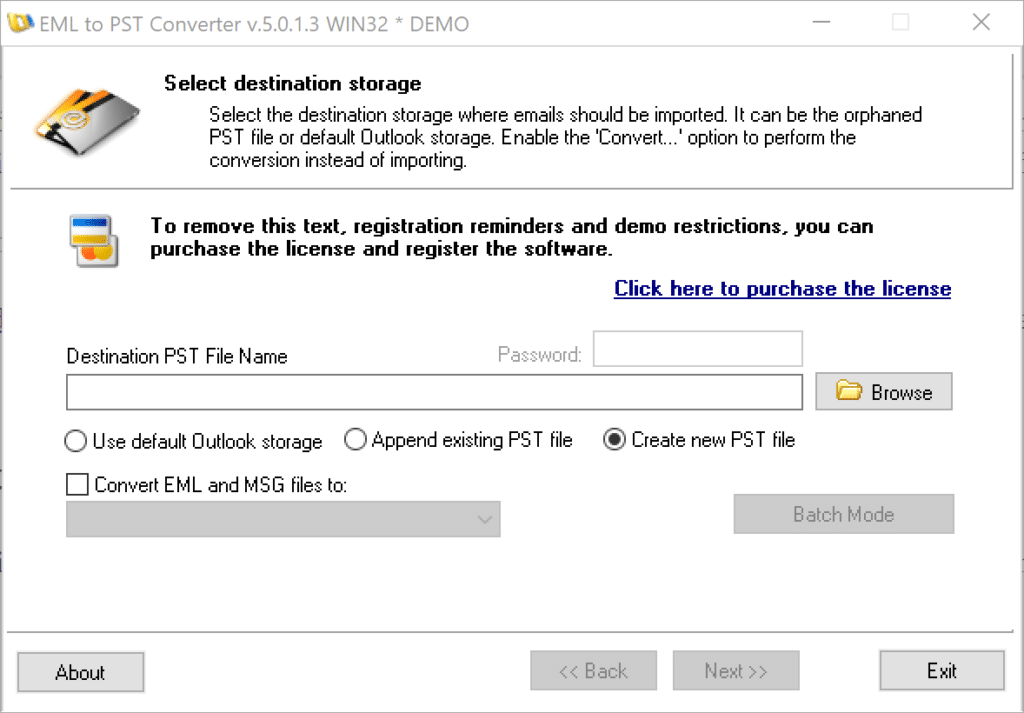
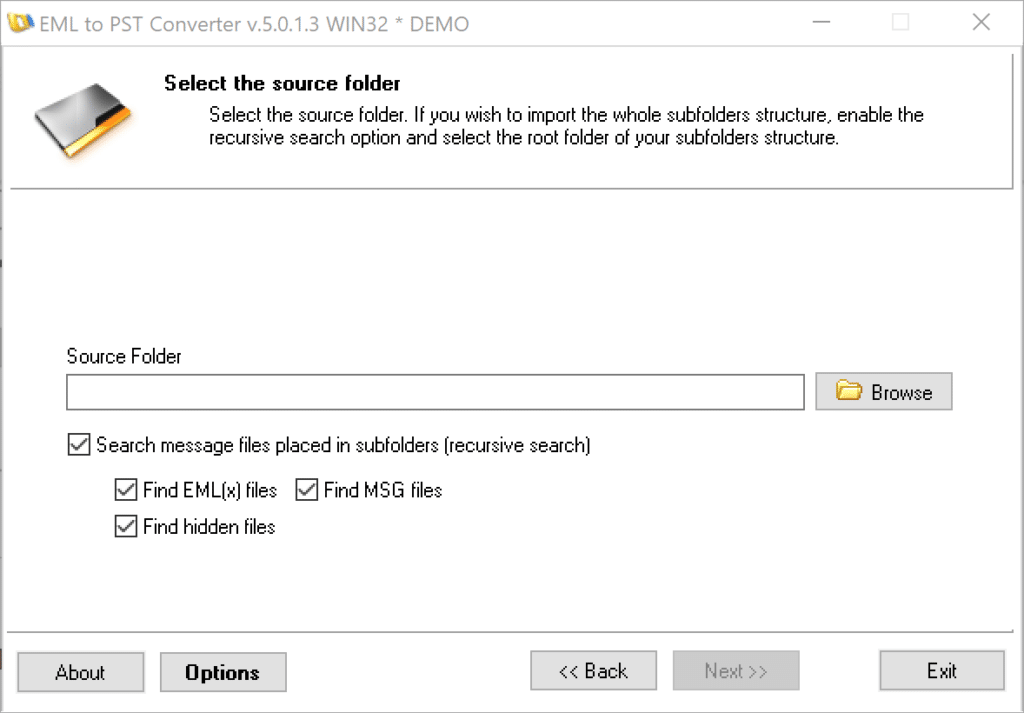
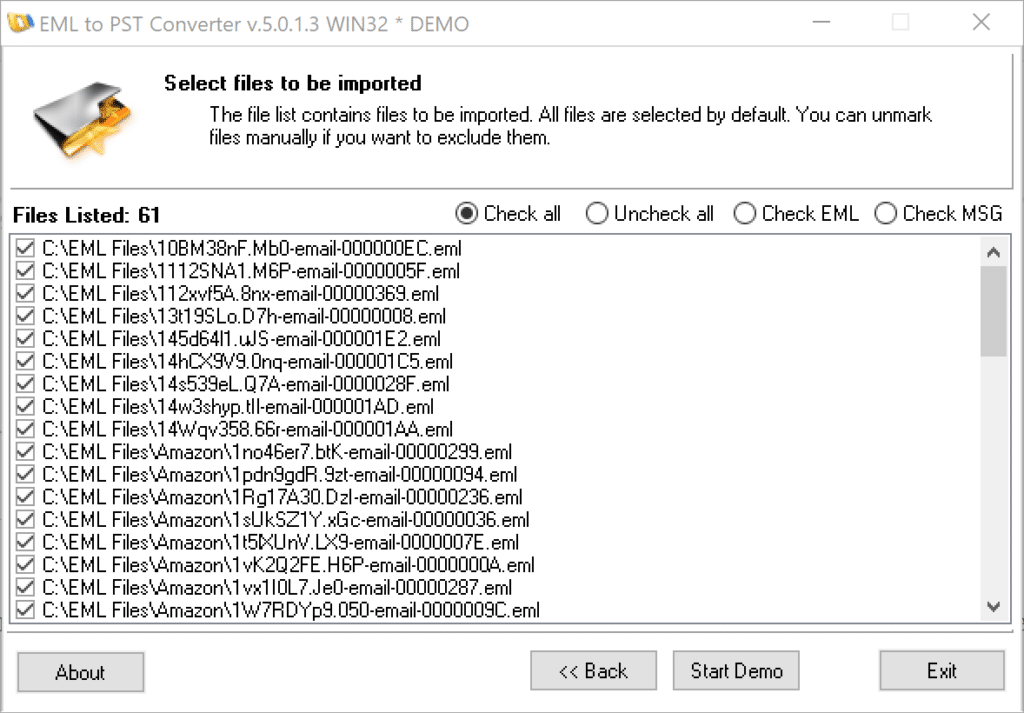
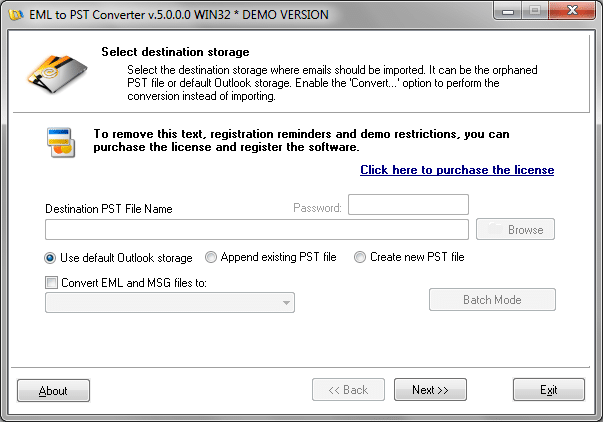
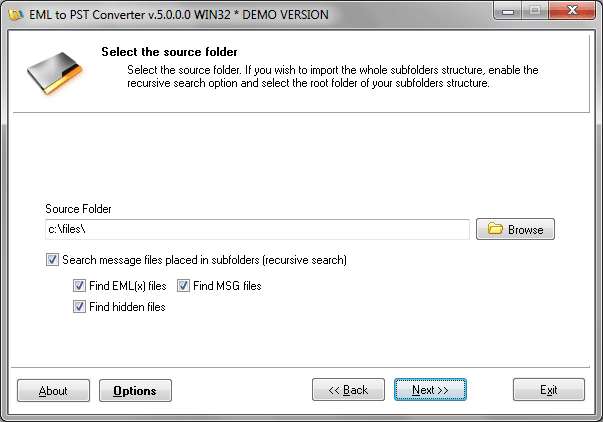
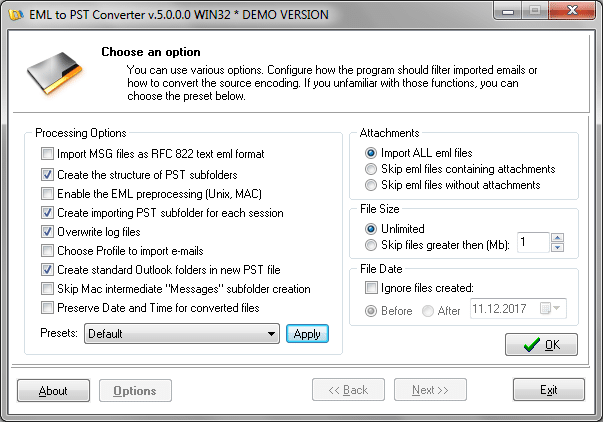
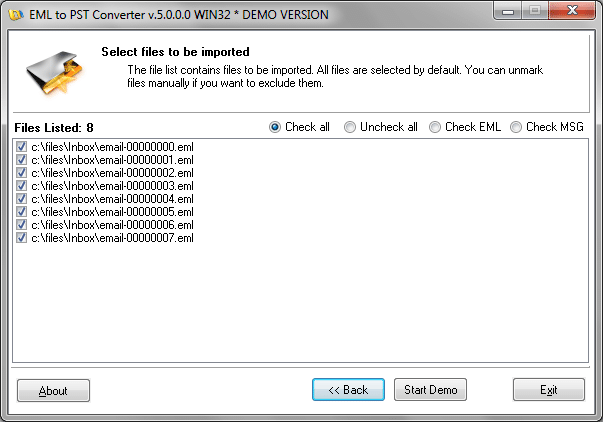
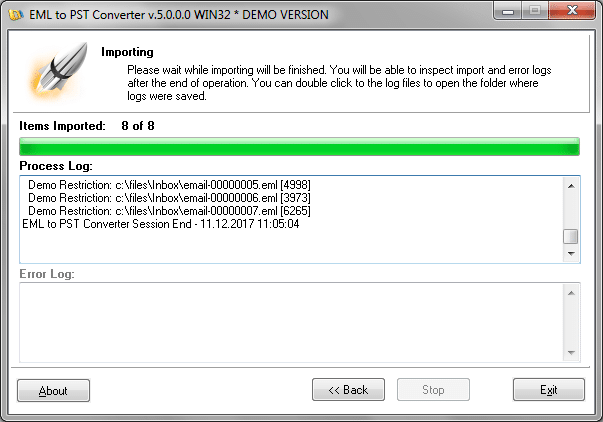
The batch mode functionality can be accessed from the main program window by clicking the “Batch Mode” button. The batch import window allows you to create and edit the list of source folders and corresponding output PST files. You can save the list and quickly reopen it in the future to save time using the “Save” and “Load” buttons. Batch list files can be modified in any text editor and are associated with the EML to PST Converter during installation, so all you need to start working is double-click the necessary batch file and hit “Start Batch”!
Use the “Browse” button to open the standard folder/file selection dialog and then click the “Add” button to add the currently selected folder to the list. The “Remove” button removes the currently selected list item, while the “Clear” button clears the list completely.
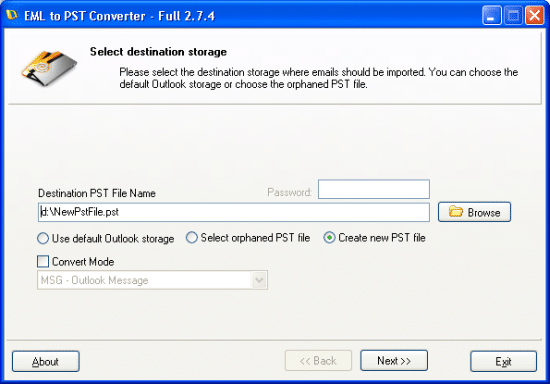
With EML to PST Converter, batch processing of multiple email files and merging them into a single PST file is a breeze. Just select the source folders the program will scan for EML, ELMX and MSG files and specify the name of the PST file. The program automatically names the PST file after the last subfolder in the selected path. If you are combining several sources for output to a single destination file, enable the “Fix file name” option and the program will use the same output files for all new folders you add to the list. Note that the names of output files on the list are editable, so you can change them manually at any time.
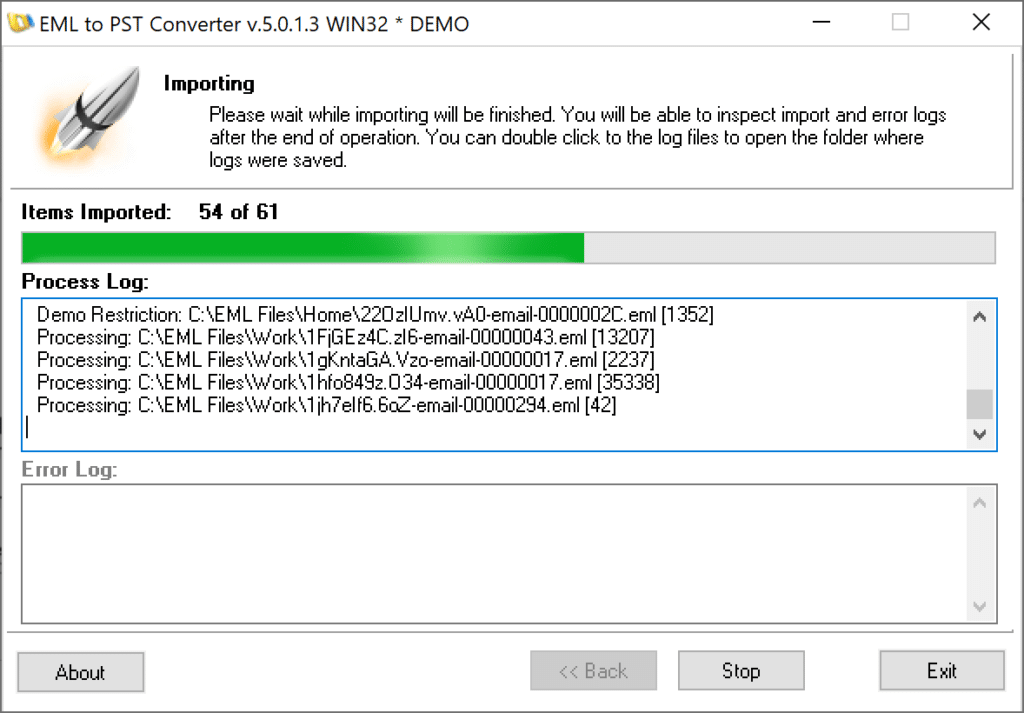
Once you are done selecting the source folders and corresponding output files, click the ”Start Batch” button to start the import process. As you see, using this handy feature is a snap and it can potentially save you countless hours in your email migration or message consolidation project!
]]>This feature was suggested by our user: “My project is to import collections of MSG/EMLs into PSTs. The messages have already been dumped from Exchange into root folders on disk. I have to create a single PST for each root account folder. For my current project I have ~1000 accounts.”
Import the number of .msg, .emlx and .eml files from different locations to one .pst file.
This feature will be helpful for system administrators and data processing engineers who should take emails from different sources (network neighborhood, storage devices etc.) and multiple users and compile the single PST file.
Import the amount of .eml, .msg and .emlx files to different files of .pst format.
If you need to make the individual .pst file for each user in your company or split imported emails to several .pst or you wish to make the archive of e-mails by date, month or an year – this feature will help you to complete such tasks.

The Batch Processing mode is simple as 1-2-3:
Tha Batch List can be saved and loaded. The program adds the file type association for the Batch Job files so you will be able to load the Batch List by double click.
]]>The Batch Mode available only for users who have registered the software with Site or Enterprise license.
How to Set Up a Windows Mail Messages Export to MS Outlook?
Where to find Vista Mail emails and transfer them to Microsoft Outlook?
How to Export Windows Mail messages from Windows Vista?
How to perform an MS Outlook import of Vista Mail messages?
How to migrate from Vista Mail to Outlook?
[ Read the article about Switching from Windows Vista to Windows 7 ]
]]>
Our company is happy to announce the release of EML to PST Converter version 2.7.4, a powerful conversion tool primarily intended for large-scale migrations from EML-based email clients to Microsoft Outlook and its proprietary PST format. Apart from this main purpose, the software enables you to efficiently solve a number of other typical email conversion tasks.
“The idea to create a tool like EML to PST Converter came to us quite naturally,” says Atie Uhan, the Senior Product Manager at EMLtoPST.Com. “Being professional developers, we probably use email more often than the majority of regular users and also change operating systems and computers quite frequently, so email migration was not just a phrase for us – it became a real problem we had to face and deal with. Eventually, we developed a tool that is now called EML to PST Converter. I helped us a lot and we hope our clients will also appreciate its functionality and speed.”
EML to PST Converter efficiently solves the problem of migrating from Microsoft Outlook Express to Microsoft Outlook, upgrading from Windows Vista’s Mail to Outlook under the newest Windows 7 and transferring email archives of any size from alternative email clients (such as Thunderbird, The Bat, Eudora, IncrediMail, Entourage, Apple Mail and others) to Outlook. The program can also be used for recreating PST files from arrays of EML files generated by the majority of PST recovery applications.
EML to PST Converter features a simple and unambiguous wizard-driven interface that enables users to convert their email archives quickly and with a bare minimum of efforts. The scope of operations the program can perform is not limited to manipulations with files only. The software can also recreate the original structure of sub-folders or merge all sub-folders into a single folder. EML files can be saved to the default Outlook profile, an orphaned or a new PST file, which helps users store their current Outlook messages and imported ones separately. EML to PST Converter features a file filter that can be used for selecting EML files to be included into the destination PST file according to a number of criteria: file size, presence of attachments and others.
The software package includes a free MBOX to EML conversion tool that facilitates email migrations from third-party email applications, such as Thunderbird, to Outlook. For the same purpose, EML to PST Converter fully supports the Apple’s EMLX format, features advanced preprocessing functions for emails saved on Unix or MacOS systems and supports Unicode PST files of over 4 GB in size. As a valuable extra, the program comes with an integrated file converter that enables users to convert EML and MSG files into RTF, TXT, TNEF and HTML formats.
EML to PST Converter offers a unique mix of price, ease of use, functionality and efficiency that will be equally enjoyed by regular users and professionals that seek a reliable “everything-to-Outlook” conversion tool.
PR: Markham, ON, Canada — February 09, 2010
]]>The article, which we offer to your attention describes the email transferring process from the standard Apple Mail client, converting with proper eml file encoding and importing to Microsoft Outlook. Apple Mail client can save messages to the .eml or .emlx format, but the Outlook can’t import them directly, fortunately EML to PST Converter can handle this task easily.
[ Click here to read - how to import Apple Mail messages to Microsoft Outlook ]
]]>

Thus the program is compatible with file formats EML, MSG, EMLX for input and PST, RTF, TXT, EML, MSG, TNEF and HTML for output.
Now you can keep your archive of messages in any of the available formats suitable for reading, analyzing, searching and tracking. Preparing letters for imports in the judicial system, litigation management system and responses to Freedom of Information Act requests. It is useful for cross-group companies which are cooperating, but using the different email software or projects where messages are stored in the shared folder and for customer support teams, which often receiving emails from customers in different formats.
]]>